


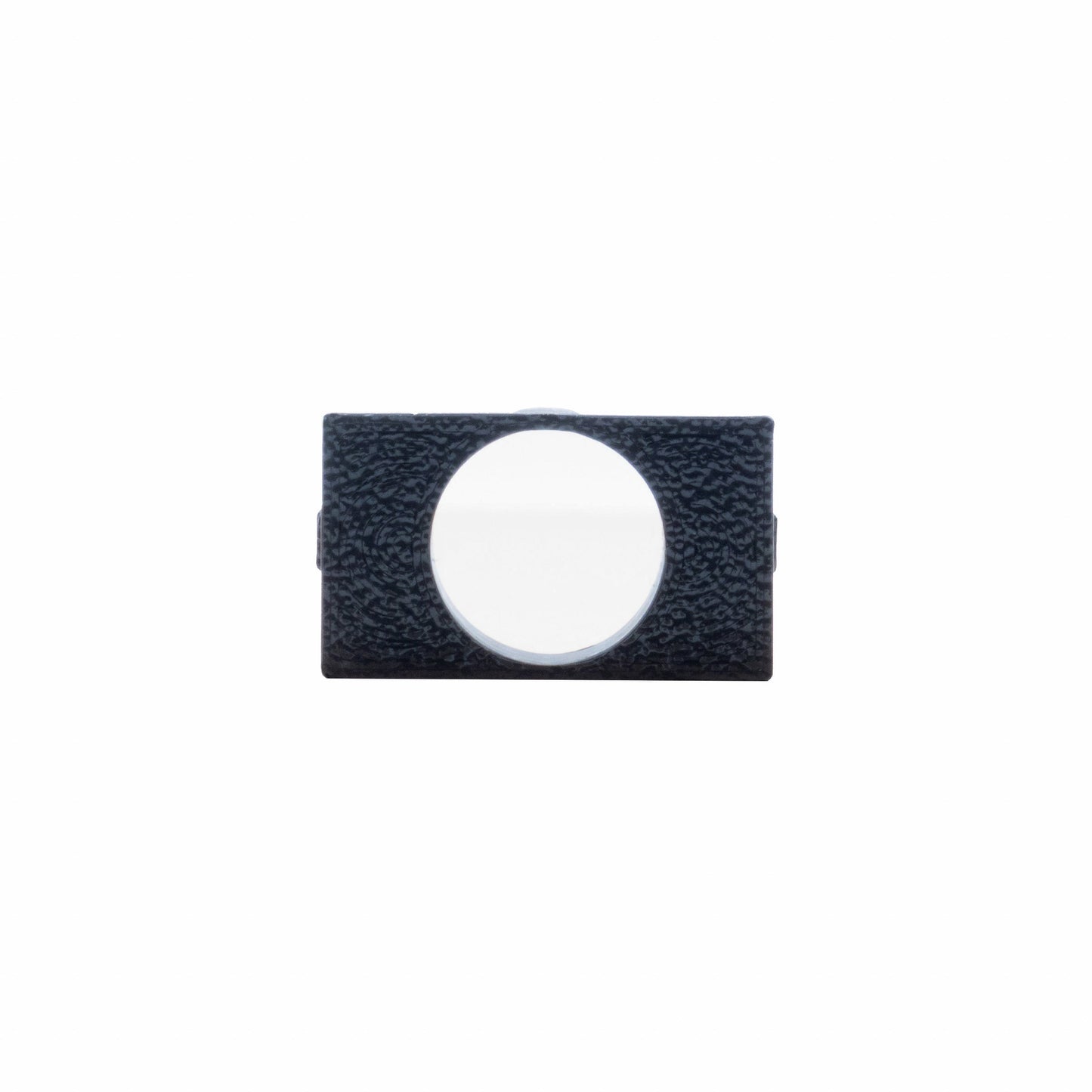
Alpine Microphone Mount | '10 - '24 4Runner
$11.00
Alpine Microphone Mount for 2010–2024 Toyota 4Runner
We're proud to offer a clean, factory-style solution for mounting your Alpine aftermarket microphone in the OEM microphone location of your 2010–2024 Toyota 4Runner. This mount tucks the microphone neatly into the headliner console, maintaining a clean appearance while ensuring optimal voice clarity and performance.
Key Benefits:
- Utilizes your 4Runner’s factory microphone location
- Provides a clean, OEM-style look
- Maintains excellent microphone clarity and function
Installation Instructions
Remove the Headliner Console
- If equipped with a sunglasses compartment: Open it and remove the two screws.
- If equipped with terrain knobs (TRD Pro, Off-Road, etc.): Gently pull off the control panel to reveal the screws, then remove them.
- Pull the front of the console straight down to release the pressure clips.
Disconnect Console Wiring
- Unplug the wiring harness connector from the console.
Remove Factory Microphone
- Locate the black rectangular factory mic.
- Push it forward to release the dome light switch and cover.
- Unplug the mic and reinstall the dome light switch and cover.
Mount the Alpine Microphone
- Push the rounded end of the microphone through the opening of the mount.
- Ensure the rounded end sits near the bottom of the center mount support.
Install the Microphone Mount into Console
- Insert the mount into the headliner console with the legs facing down.
- Push until it clicks securely into place.
Route the Microphone Wire
- Run the wire from the headliner console toward the rearview mirror.
- Reinstall the console while pulling any slack toward the mirror.
- Continue routing the wire along the top of the windshield toward the driver’s side A-pillar.
- Tuck the wire behind the A-pillar cover and run it down to the driver’s footwell.
- Route the wire under the dash to the back of your Sony bundle.
- Plug the 3.5mm jack into the red microphone port on the Sony radio chassis.
Test Functionality
- Power on the system and confirm the microphone is functioning properly.